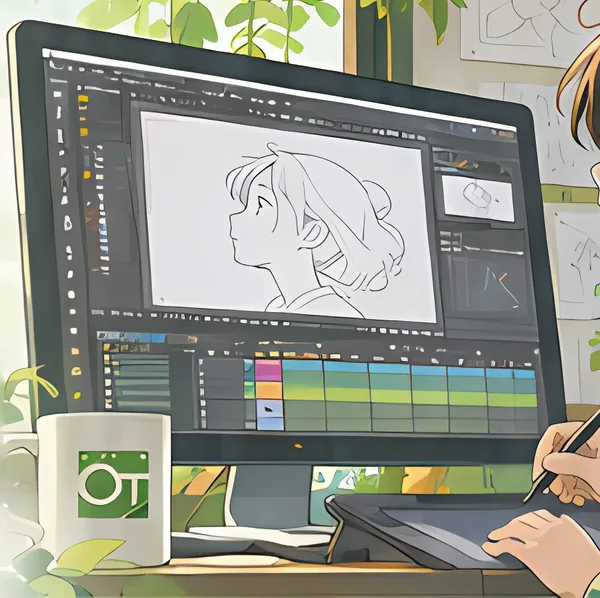
Frame-by-Frame Animation
Draw each movement with control over individual frames, holding or repeating drawings exactly where your timing needs them.
OpenToonz brings your drawings to life as a powerful, open-source animation programme built for artists, beginners and experienced animators. Create hand-drawn animations, work with digital tools and develop your ideas without expensive software subscriptions.

Discover a different way to create 2D animation, from first rough sketch to finished, composited scene.
Built on decades of studio animation experience and now open to everyone.
OpenToonz is a free, open-source 2D animation programme used to create everything from simple moving drawings to detailed animated scenes. It combines traditional animation techniques with digital production tools, giving artists the freedom to draw, colour, edit and bring their work together in one place.
Its roots lie in professional animation. The software is based on Toonz, which Studio Ghibli customised over many years of production, and it keeps the exposure-sheet workflow that studio animators rely on. Because the source code is open, anyone can study it, improve it or adapt it for their own pipeline.
Creative tools that make every frame count, from the first drawing to the final composite.
Draw each movement with control over individual frames, holding or repeating drawings exactly where your timing needs them.
Choose the drawing format that suits your artwork: editable vector strokes, pixel-based raster levels or Toonz Raster levels for clean ink and paint.
View nearby frames as faded overlays to keep shapes, volumes and spacing consistent while you draw new poses.
Arrange drawings, timing and scene elements in a classic exposure sheet or switch to a horizontal timeline view.
Add visual effects and combine elements into finished scenes using the node-based FX Schematic and camera controls.
Keep colours organised in level palettes and bring characters to life with fills, styles and quick colour changes across every drawing.
From your first sketch to your finished animation in four clear stages.
Start a new project, choose your scene settings and prepare your workspace.
Use the drawing tools to create artwork and build your animation frame by frame.
Adjust timing, organise layers and enhance your scenes with effects.
Review the animation, make final changes and render your completed work.
Professional animation tools without the price tag, and without limits on how you use them.
OpenToonz costs nothing to download or use, today or later. The money you would spend on software can go towards a drawing tablet, courses or your next production.
Download NowNo watermarks, export limits or locked features. Every tool in the programme is available from the moment you install it.
Work fully digitally, scan paper drawings or mix both approaches in the same scene, depending on how you like to draw.
Studios and developers can study the code, fix issues and add tools or effects that suit a particular pipeline.
Use it for school projects, portfolio pieces, client work or full productions without changing licences.
One workspace, plenty of ways to tell a story.
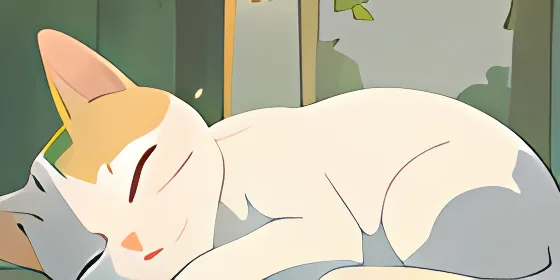
Create expressive characters and natural-looking movement, from subtle breathing cycles to full acting shots.
Develop scenes and bring original stories to the screen.
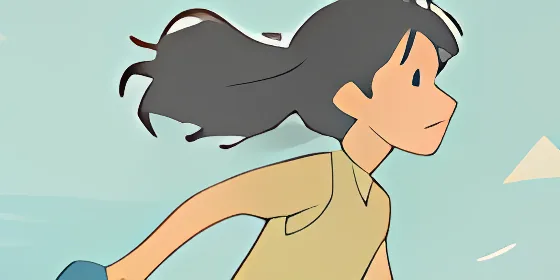
Practise timing, motion and traditional drawing techniques.
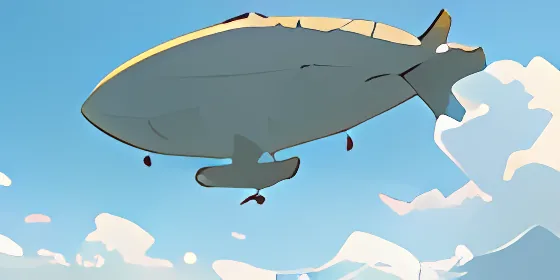
Turn ideas and explanations into engaging visual content for lessons, presentations and explainer videos.
A creative space for every level of experience.
Start with simple drawing exercises, learn the principles of animation and explore advanced tools gradually. The interface takes some practice, so learning one panel at a time works best.
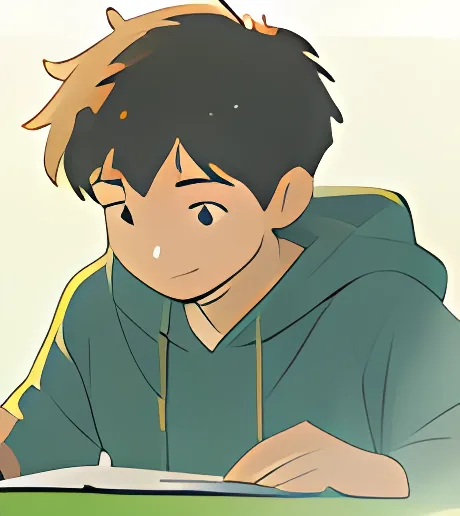
Detailed timeline controls, scene management, compositing and customisable rooms support demanding projects and team pipelines.
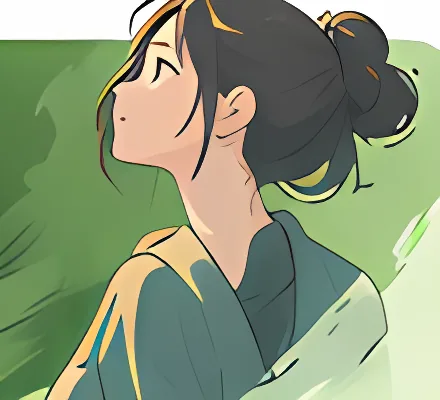
Find the right desktop version, check the requirements and open the programme for the first time.
Need more detail? Read the step-by-step PC installation walkthrough.
Get comfortable with the tools you will use most before you begin a project.
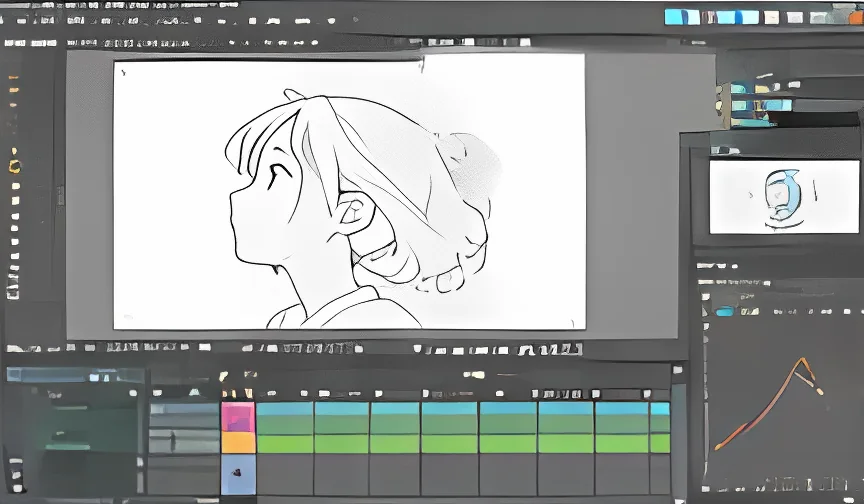
From traditional animation roots to open-source creativity.
Digital Video in Italy develops Toonz for studio animation production.
Ghibli begins using Toonz in production and customises it over many years.
Toonz Harlequin is created with Studio Ghibli for scanned and paperless work.
DWANGO releases the Ghibli-customised version as open source on GitHub.
Contributors keep improving tools, fixes and platform support in the open.
Studio Ghibli used Toonz as part of its production pipeline. Individual films combined many tools and processes, so no single film should be described as made entirely with the current OpenToonz release.
Small habits that make animation easier, every single session.
Finding the right animation software for your style, with a quick look at popular free alternatives.
| Criteria | OpenToonz | Krita | Pencil2D | Blender Grease Pencil |
|---|---|---|---|---|
| Cost and licence | Free, open source | Free, open source | Free, open source | Free, open source |
| Main focus | Production-oriented 2D animation | Digital painting with animation tools | Simple traditional 2D animation | 2D drawing inside a 3D application |
| Animation approach | Xsheet and timeline, frame by frame | Frame-by-frame raster timeline | Frame-by-frame bitmap and vector layers | Stroke-based frames with keyframes |
| Learning experience | Moderate, with many panels | Comfortable for painters | Gentle and minimal | Steeper if new to Blender |
| Effects and compositing | Built-in FX Schematic | Limited, painting-focused | Minimal | Full Blender compositor |
The best choice depends on your drawing style, project size and how much production control you need.
Practical help when something does not work as expected.
Check that the column is visible, a drawing is exposed on the current frame and camera stand view is switched on.
Remember that each Xsheet row is one frame. Holding a drawing for two rows animates "on twos".
Switch rooms from the top-right room tabs, or reset a room layout to restore panels you closed by accident.
Create a dedicated project and save scenes and levels inside its folders instead of the default sandbox.
Video formats such as MP4 need FFmpeg. Set its location in Preferences under Import and Export, then render again.
Download OpenToonz today and start bringing your ideas to life with a professional, flexible and open animation tool.
Answers to the questions people ask before they get started.
Yes. OpenToonz is free, open-source software that can be used for personal and commercial animation projects. There is no subscription, licence fee or paid upgrade tier for the programme itself.
OpenToonz suits beginners who are willing to spend some time learning its workspace. Simple exercises such as a bouncing ball or a short walk cycle are a good way to understand the Xsheet, levels and onion skinning before moving on to larger scenes.
Yes. The project states that OpenToonz may be used free of charge for both commercial and non-commercial work. Animations you create belong to you, and the source code is available under the New BSD licence.
Yes. Frame-by-frame drawing is at the heart of OpenToonz. Each drawing is exposed on the Xsheet or Timeline, so you can control exactly how long every pose stays on screen.
Vector levels store strokes as editable shapes, so lines stay sharp when scaled and can be reshaped later. Raster levels work with pixels, which feels closer to natural media, while Toonz Raster levels combine pixel-based drawing with a separate ink and paint palette system.
OpenToonz is based on Toonz, the animation software originally developed by Digital Video in Italy and customised by Studio Ghibli. DWANGO launched the open-source project in 2016, and development continues openly on GitHub with community contributions.
The Xsheet, or exposure sheet, is a grid where columns hold animation levels and rows represent frames. It is the traditional way animators plan timing, and OpenToonz also offers a horizontal Timeline view of the same data.
Yes. OpenToonz was designed for both paperless and traditional workflows, so scanned pencil drawings can be imported, cleaned up and coloured alongside artwork drawn directly in the programme.
Yes. The FX Schematic lets you connect effects such as blurs, glows and colour adjustments to columns, and the Stage Schematic controls how cameras, pegbars and columns relate to one another inside a scene.
No official Android app or browser-based version is offered by the project. OpenToonz is a desktop application, with installers published for Windows and macOS and source code that can be built on Linux.
Use the official OpenToonz project sources, such as its GitHub repository and the release pages linked from it. Avoid repackaged installers from unknown mirrors, as they may be outdated or bundled with unwanted software.
OpenToonz has more panels and production-focused options than very simple animation apps, so the first few sessions can feel unfamiliar. Learning one area at a time, starting with drawing tools and the Xsheet, makes the workspace much easier to understand.
The project publishes installers for Windows and macOS. Linux users can build OpenToonz from the source code by following the build instructions in the official repository, and some distributions offer community packages.
A tablet is not required, but it makes drawing far more comfortable because OpenToonz can respond to pen pressure. Many tasks, such as timing, colouring and compositing, work well with a mouse.
Set your format and destination in Output Settings, then render the scene. Video formats such as MP4 and GIF rely on FFmpeg, so you need to point OpenToonz to an FFmpeg installation in Preferences before exporting them.
Yes. Image sequences and common image formats can be loaded as levels, and audio files can be added to a sound column on the Xsheet, which helps with lip sync and timing to music.
This usually happens when the column is hidden, the current frame has no exposed drawing, or camera stand view is switched off. Check the column visibility toggles and make sure a drawing is exposed on the frame you are viewing.
Create a dedicated project for each production, give scenes and levels clear names and save regularly. Keeping all assets inside the project folders makes it easier to move or back up your work without broken file links.
Yes. Rooms let you arrange panels into layouts for different tasks such as drawing, timing or compositing. You can create new rooms, move panels around and adjust shortcuts to fit the way you work.
Download the newer installer from the official project pages and run it. Before updating, save your scenes and keep a backup of important projects so you can return to them if anything behaves differently.